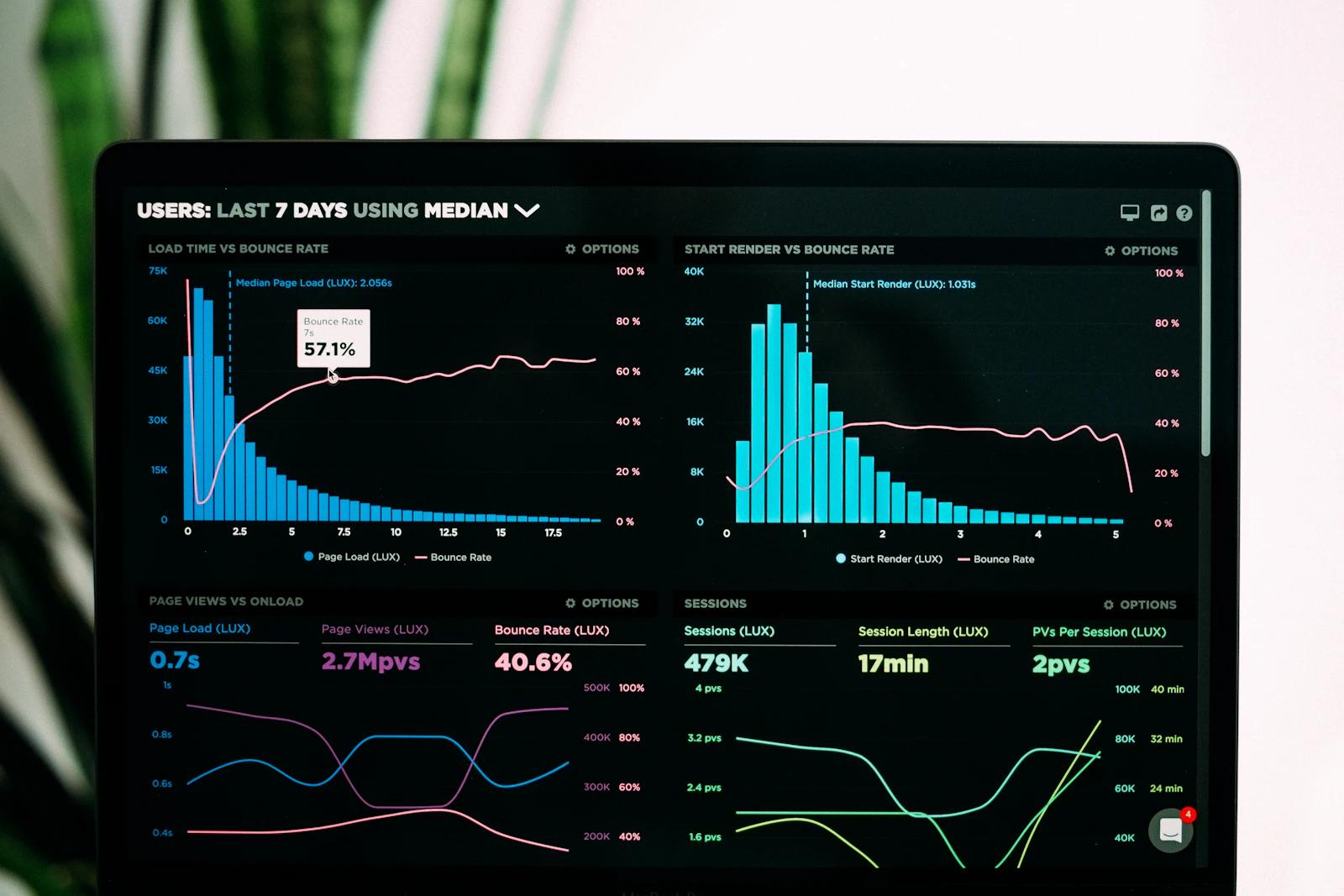
A dashboard is not a collection of attractive charts. It is a working interface for monitoring, deciding, and acting. Projects become confusing when requirements list screens but do not explain who uses them, which decision each view supports, where data comes from, or what should happen when something goes wrong. Good requirements describe the work, not only the appearance.
Start with Users and Decisions
List each role and the decisions it makes regularly. An owner may need a weekly health summary, an operations manager may need exceptions that require action today, and a support agent may need a searchable customer history. These are different information needs. Defining them prevents one overloaded dashboard from trying to serve everyone with the same density and permissions.
Define Metrics So Everyone Calculates Them the Same Way
| Define | Questions to answer |
|---|---|
| Formula | Which records and statuses are included? |
| Time | Which timezone and date boundary apply? |
| Comparison | Previous period, target, or same period last year? |
| Freshness | Real time, hourly, daily, or manual refresh? |
| Ownership | Who investigates an unexpected value? |
Describe Workflows, Not Just Tables
For every task, describe its starting point, required information, validation, permissions, status changes, notifications, and completion outcome. Include bulk actions, exports, comments, assignments, and audit history only where users truly need them. A list of orders is not a complete requirement until the team knows how an order moves from new to fulfilled, who may change it, and how mistakes are corrected.
Plan Permissions and Sensitive Data Early
- Which roles can view, create, edit, approve, export, or delete each record?
- Should users see all locations or only assigned ones?
- Which fields contain personal, financial, or confidential information?
- Which actions need confirmation, a reason, or an audit entry?
- What happens when an employee changes role or leaves?
Specify Empty, Loading, Error, and Partial States
Real systems do not always return perfect data. Define what a new account sees before records exist, how long operations may take, how retries work, and how stale or incomplete data is marked. Decide whether users can continue with other tasks during an outage. These states influence trust and productivity as much as the ideal screen with complete charts.
Ready for the next step?